 Naa Songs
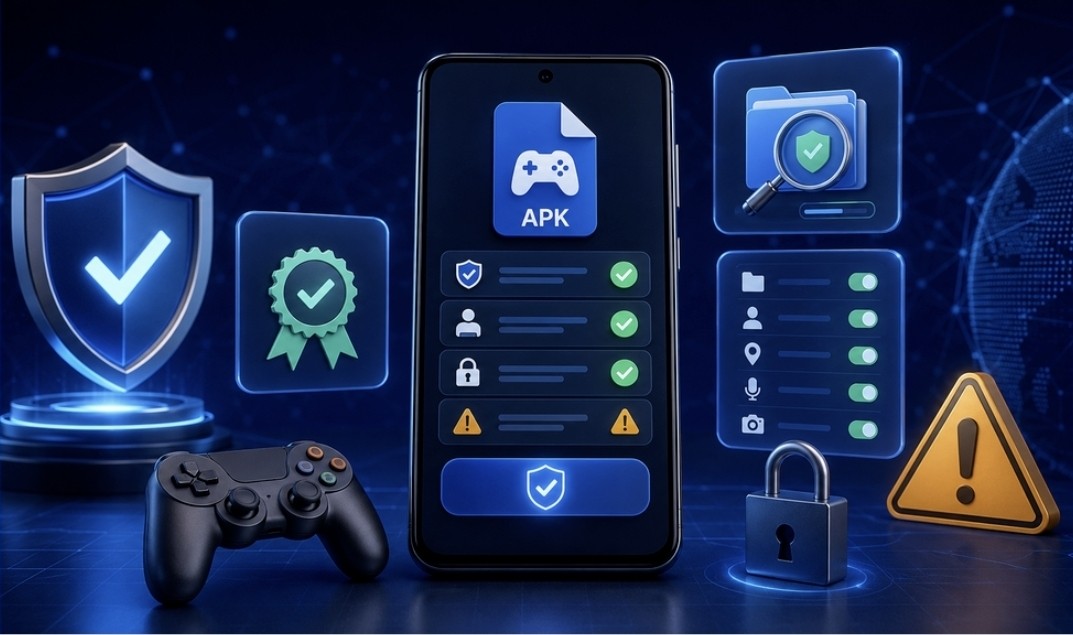
APK files give Android users another way to access applications that may not be available through their usual app store. However, downloading an APK also places more responsibility on the user.
The installation file might be outdated, modified or uploaded by someone unrelated to the original developer. A few basic checks can reduce these risks and help users make more informed decisions.
Begin With the Information Website
Before downloading a file, examine the website presenting it. A reliable information page should explain what the application is, when the page was reviewed and whether the website has any relationship with the application provider.
Users researching several related applications may begin with anAll Yono Rummy information directory. A directory can make comparison easier, but each listing still needs to be checked separately.
Look for the following website elements:
- A clear About page
- Contact information
- Privacy and disclaimer pages
- A visible review or update date
- Consistent application names
- Clear separation between information and advertising
- No automatic or disguised downloads
The presence of these pages does not guarantee that every file is safe, but their absence is a warning sign.
Confirm the Exact Application
Different Android applications may use similar names, colours and icons. This makes exact identification essential.
Before installation, compare:
- App name
- Logo
- Developer or provider
- Package name
- File size
- Version number
- Update date
- Requested Android version
Someone looking for information aboutYono Rummy should confirm that the file being offered corresponds to that specific application. It should not be assumed that every app using “Yono” in its name belongs to the same developer or product family.
Review Android Permissions
Permissions reveal what an application can access after installation. A card or casual game may reasonably need internet access and basic storage functions, but requests for contacts, messages, microphone access or device administration deserve closer examination.
Users should consider whether each requested permission is necessary for the advertised function.
Android permissions can usually be reviewed under:
Settings → Apps → App name → Permissions
Unnecessary permissions can be denied. If the application cannot operate without access that appears unrelated to its function, uninstalling it may be the safer decision.
Check the APK File
The page description and the actual APK file should be treated as separate things. Even when an article looks professional, the attached file may come from another server.
Before opening the file:
- Check that the filename matches the application.
- Confirm that the download did not produce a ZIP or executable file unexpectedly.
- Scan the APK with trusted security software.
- Compare the file size with information supplied by the developer, if available.
- Avoid files labelled as modified, unlocked or unlimited.
- Do not install multiple versions from different sources at the same time.
Modified packages can contain additional code that is not present in the original application.
Do Not Rely Only on Bonus Information
Promotional details change frequently. A reward displayed on a website may have expired, may apply only to selected accounts or may be subject to conditions that are not shown on the listing page.
Users should read the application’s own current terms before relying on any promotional amount.
Information publishers should also date bonus information and avoid words such as “guaranteed.” If a detail cannot be verified, it is better to describe it as unconfirmed than to present it as current.
Consider Regional and Age Requirements
Online gaming rules can vary according to country, state and game format. Users should review the requirements that apply in their location before creating an account or using any paid feature.
Adults should also prevent children from accessing applications intended for users aged 18 or older. Device-level parental controls and payment restrictions can help reduce unintended access.
An APK being technically installable does not establish that every feature is permitted or appropriate for every user.
Keep the Device Protected After Installation
Security checks should continue after the app is installed.
Users should:
- Disable unknown-source installation permission
- Keep Android security updates enabled
- Monitor unusual battery or data usage
- Avoid saving payment credentials unnecessarily
- Use a unique password
- Remove applications that no longer receive updates
- Review permissions after major app updates
If an application suddenly displays unusual advertisements, redirects the browser or installs other components, it should be removed immediately.
Final Thoughts
APK installation can be convenient, but convenience should not replace careful verification. Users should examine the website, confirm the exact application, review permissions and scan the file before opening it.
For information publishers, the strongest long-term strategy is to provide transparent and regularly updated guidance. A useful APK page helps readers evaluate an application—it does not pressure them into downloading it.
